
Website updated but contact form fails: Check overlooked points before wasting time on fixes
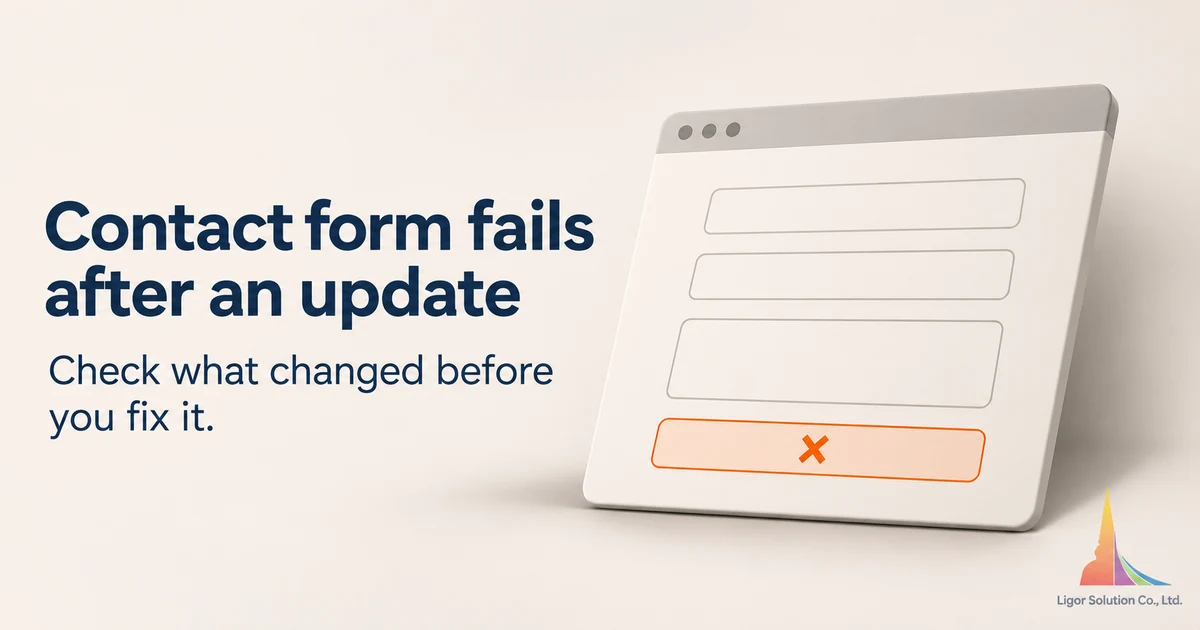
The development team just hit the Deploy button for a new site, yet the contact form displays an error message indicating data submission failed or requires re-entry to save.
Why website updates affect customer contact systems
The issue encountered isn't necessarily a code failure in itself, but often stems from structural data changes that search engines or browsers overlook during rapid HTML edits.
Modern websites use multi-part content management systems. Updates can alter tag order or attributes, causing accessibility verification systems to malfunction. Even if the webpage looks visually appealing to the naked eye, lacking complete descriptions means search engines like Google may not understand whether this form actually functions, impacting rankings and visibility.
System causes and often overlooked points
The primary cause usually involves HTML structural changes affecting Semantic Tags, such as using incorrect tags or neglecting meta descriptions related to forms.
When development teams edit code without verifying data consistency (Metadata) or search engine indexing settings, problems may appear immediately after the update.
Additionally, URL structure changes or adding/removing parameters that affect indexing can cause search systems to fail in accessing the form correctly. Users might click a link and see the webpage, but the backend still doesn't receive the input data.
Recommended solutions and architecture
The best approach is to check the website structure in detail before updating or immediately after an issue arises.
Development teams should use analysis tools to detect HTML incompleteness and machine-readable descriptions.
SEO improvements must begin by surveying structural weaknesses, metadata, and indexing based on findings.
If forms are being changed, verify that attributes like name, id, and label retain their original meaning and that the backend still receives data correctly.
Test with search engine simulation tools to prevent potential future issues.
Basic checklist for teams
- Verify that Semantic Tags are correct according to standards and cover the content.
- Check if Meta Description and Title Tag retain their original meaning after the update.
- Test form accessibility using real search simulation tools.
- Inspect webpage URL structure and search engine indexing settings.
- Confirm that the backend continues to receive data from the form after code changes.