
System Update Complete: Contact Forms Fail, Data Drips Across Chat Channels Wasting Time
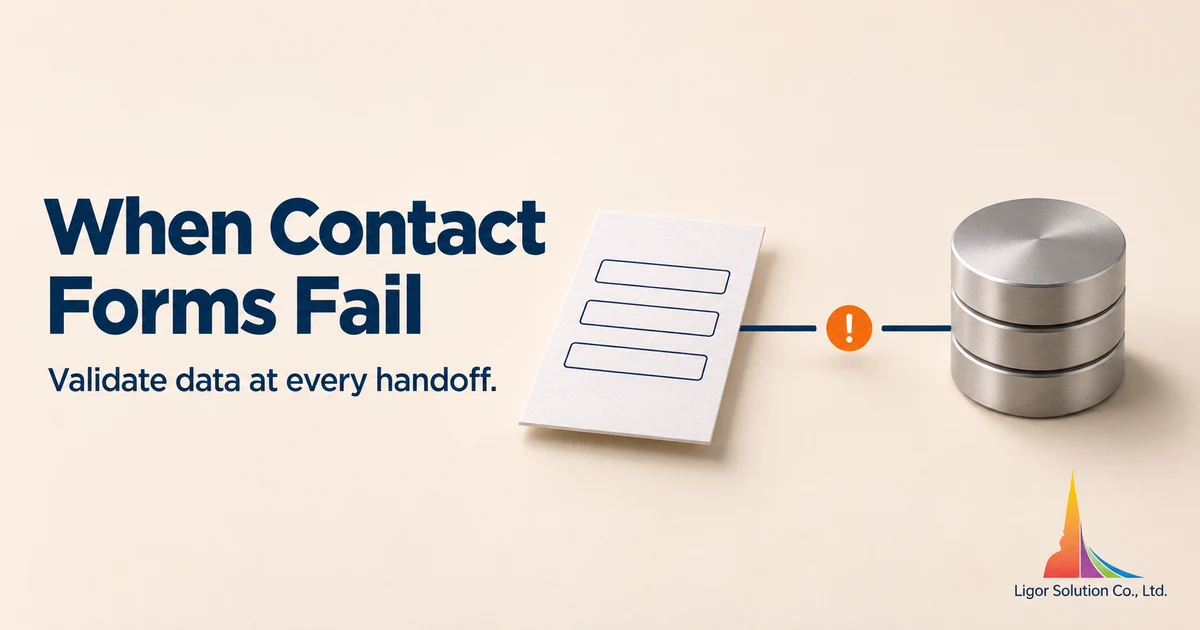
The team is operating on schedule. When instructed to have the sales team input new customer data into the CRM, the system ran without issue. However, the next day, when the admin team attempted to pull that dataset to update the internal database, they found the contact form submission had failed—the data was lost mid-transit.
This is a familiar scenario for business owners using multiple systems simultaneously. The old habit is to trust the accuracy of data immediately after entry, but the hidden snag lies in the cross-platform data transfer process, which does not operate in real-time. This forces both the sales and inventory teams to copy the same dataset across chat channels, Excel files, and emails, risking discrepancies.
The primary cause is not just code errors, but a lack of API validation between systems before updates occur. When systems do not communicate at the right points, incoming data may be rejected by external providers or destination databases, necessitating a complete restart of the process.
The solution lies in designing systems that truly function as an interconnected network rather than relying on manual data copying between communication channels. Validating data accuracy before sending it through APIs will reduce redundant workload and prevent conflicting data issues in the future.
Why Contact Forms Fail After System Updates
Problems arising after system updates are often not due to new code malfunction, but rather an incomplete communication mechanism between systems. When the sales team inputs data into the CRM, the system attempts to connect it with external databases or LINE OA. If this path lacks a preliminary data validation step, the information may be rejected by the destination provider.
In a business context using multiple platforms simultaneously, new system updates often hide risks stemming from APIs that do not support new data formats, or connections between the CRM and accounting systems lacking a central standard, causing data to flow in the wrong direction and requiring multiple correction rounds.
Approaches to Check and Adjust Systems for Precise Communication
Problem-solving should begin by understanding the business issue and system limitations before designing or developing further. It is crucial to verify whether the used APIs support new data formats and confirm that the data transmission path from CRM to the destination system includes complete validation steps.
If a point where data fails is identified, preliminary validation steps should be added to the workflow, such as simulating data transmission to test the path before actual use, or establishing shared data standards between the sales, admin, and inventory teams to reduce the risk of errors.
Basic Checklist for Teams to Check
- Verify whether the used APIs support new data formats
- Test data transmission from CRM to the destination system in a testing environment before going live
- Confirm shared data standards between the sales, admin, and inventory teams
- Check if the cross-platform data transmission path includes complete validation steps