
Contact form fails after CMS update: Common overlooked causes and self-check methods
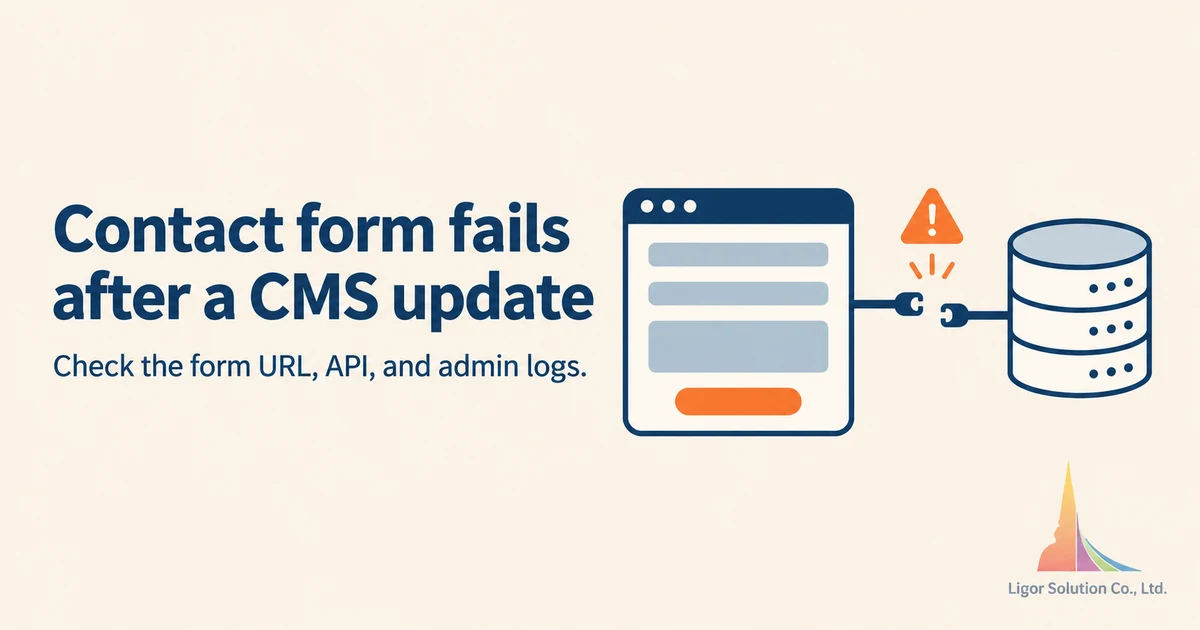
You've just saved a new post in the admin panel, but when you open the link on the live website, you immediately encounter a 'Contact form submission failed' message.
Why contact forms break after CMS updates
Many might assume the issue stems from broken form code or slow internet. In reality, the most common cause is often a data mismatch between the backend system and the frontend, particularly when article structures or categories are modified through Ligor CMS.
Content updates can cause resource IDs to change or create connections with REST APIs that send incomplete values to the database, resulting in the system being unable to process requests correctly—even if the website displays normally.
Basic troubleshooting steps for your team
Before contacting support, try checking these items yourself:
1. Verify form URL accuracy: Editing category names can sometimes alter the destination link from its original state.
2. Test via API directly: If you have access permissions, use tools like Postman or similar to send test data and confirm whether the system accepts it.
3. Check admin logs: Look for red alert messages or warnings regarding 'Invalid Data' while saving your latest content.
The key takeaway is not to immediately conclude it's a system error, but rather view it as a signal that structural data changes are affecting the collaboration between the backend and the frontend display.